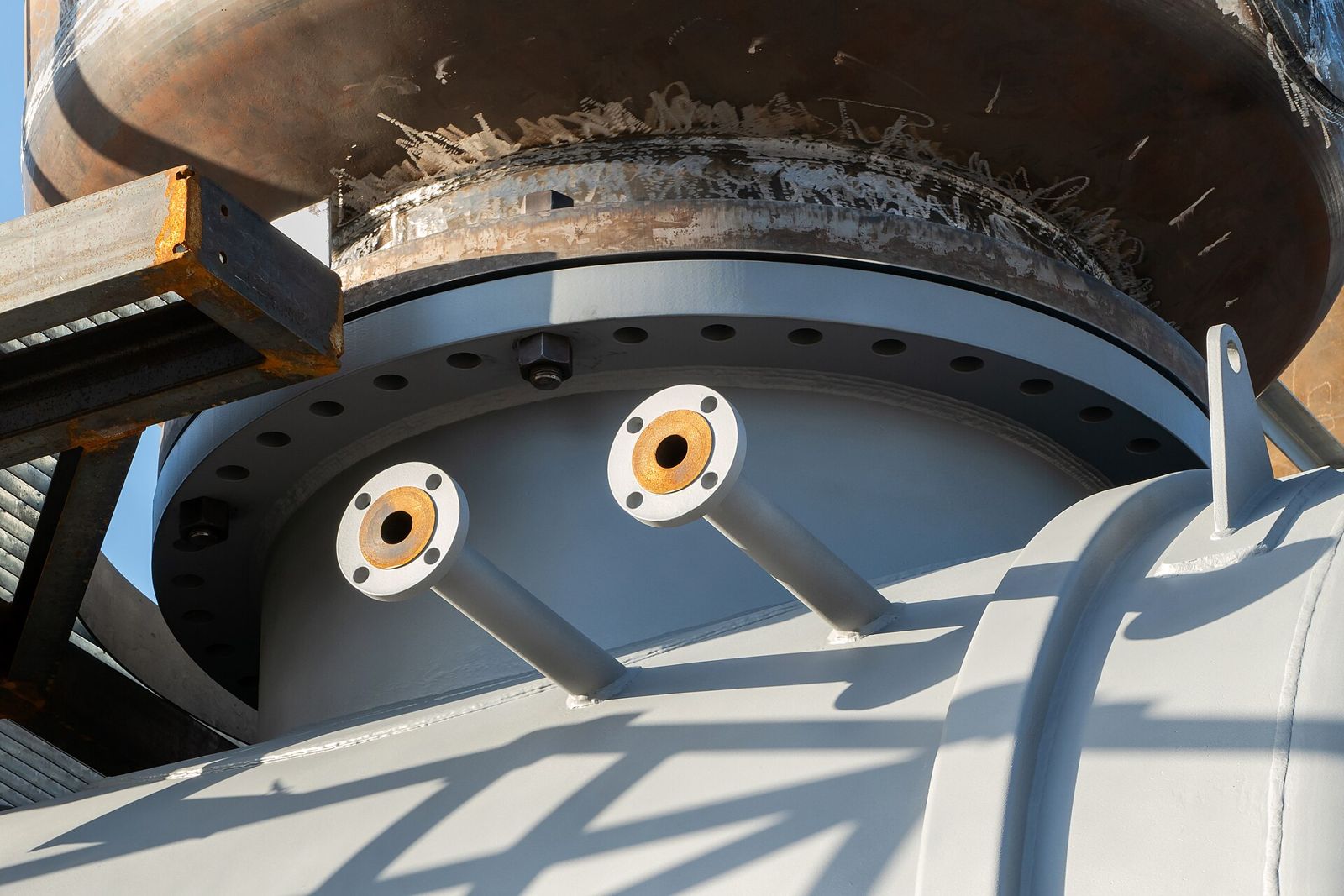
WRC 537 turns the six loads at a nozzle into shell stresses at eight points round the nozzle edge, adds the pressure stress, and compares the result with 1.5S and 3S. Every coefficient comes from a curve in the bulletin, read against two numbers: the shell parameter γ and the attachment parameter β.
This post follows the calculator through one nozzle on a cylinder, in the order it does the work, so each line of the report can be traced back to a step.
1. The inputs and where the loads act
The shell is given by its inside diameter, thickness and corrosion allowance. The nozzle by its outside diameter and wall, and a reinforcing pad if there is one. The allowable stress S at design temperature is typed by the engineer from their own copy of ASME Section II Part D; the tool does not hold the tables.
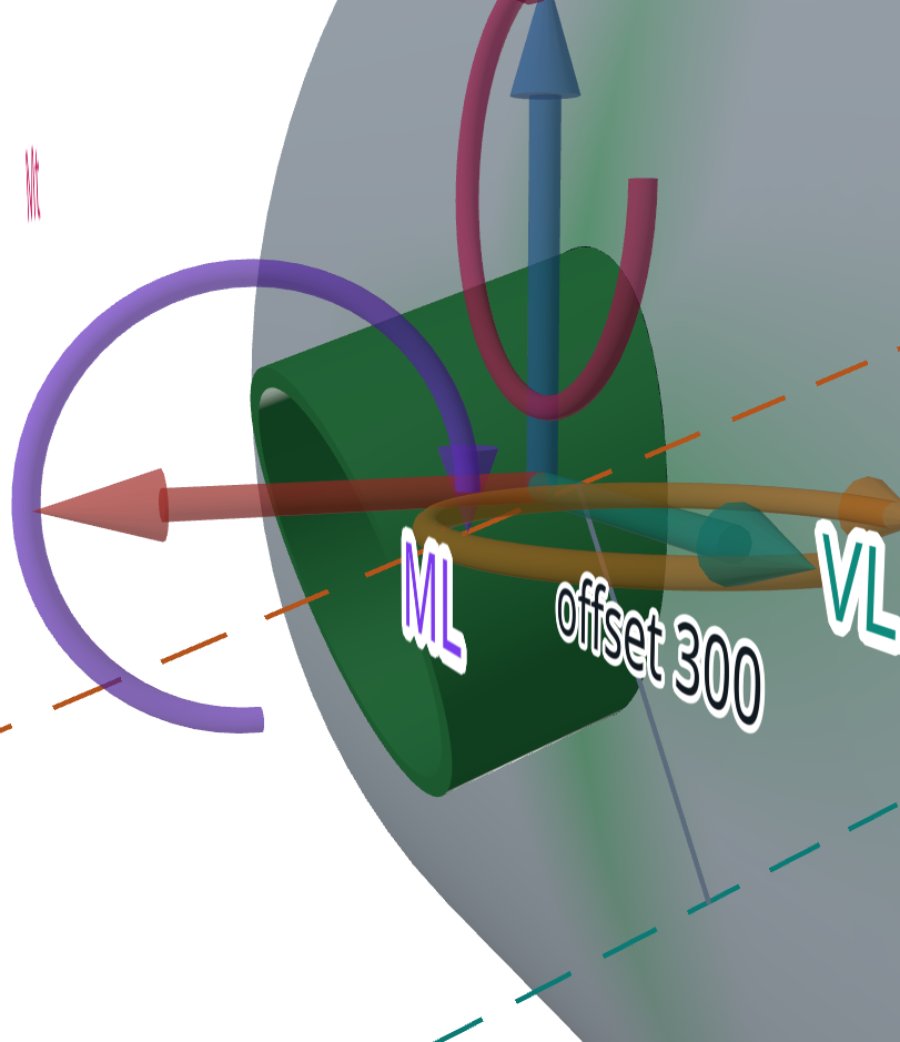
The loads are the six components of the nozzle load table: the radial load P, the shears VC and VL, the moments MC and ML, and the torsion MT. WRC 537 expects them at the nozzle-to-shell junction. If the load table gives them at the nozzle end, the calculator carries them to the junction first. A shear at the end adds a moment equal to the shear times the nozzle length; the radial load, the torsion and the shears themselves do not change.
2. Shell and attachment parameters
Everything is worked on the corroded wall. The mean radius Rm and the thickness T give the shell parameter γ = Rm/T. A round nozzle is treated as a square of half-width 0.875 times its outside radius, which gives β = 0.875·r₀/Rm. The decay length √(Rm·T) is reported too, because it says how far the local stress reaches.
The cylinder curves run from γ = 5 to 300 and up to β = 0.5. A value outside that range is held at the chart edge, and the result carries a warning that names the parameter. The post on where WRC 537 stops lists every such warning and what it means for the result.
3. Coefficients from the curves
For each load the bulletin gives dimensionless coefficients for membrane force and bending moment, in the circumferential and the longitudinal direction. The calculator interpolates each one at the shell's γ and the nozzle's β. The report prints every interpolation with the figure it came from and the values either side, so a checker can repeat it by hand.
4. Stress at eight points
The coefficients become a membrane force N and a bending moment M per unit length of shell. The stress at a surface is the membrane part plus or minus the bending part:
This is done at four points round the nozzle edge: A and B on the longitudinal axis, C and D across it, each on the outer and the inner surface. At each point the contributions of every load are summed with their signs. The shears and the torsion add shear stress. Nothing between the points is computed: the method assumes the governing stress is at the edge, where shell theory puts it.
5. Pressure stress added
WRC 537 itself is about external loads. The calculator adds the pressure membrane stress at every point, as a design decision recorded in its specification. The hoop stress is P·(ID + 2·CA)/(2·(T − CA)) and the longitudinal stress half of it.
For a nozzle on a cylinder the opening raises the pressure stress at its edge. The calculator multiplies the pressure hoop stress at A and B, and the pressure longitudinal stress at C and D, by a pressure stress intensity factor I from ASME Section VIII Division 2, 4.5.5. Nozzle and pad allowables enter I, so they matter to the result.
6. Combining and checking
At each point the two normal stresses and the shear give the stress intensity: the largest of the two principal stresses and their difference, with the through-wall stress taken as zero. Two checks follow:
3S is the default because local bending relaxes once the metal yields. Where the loads are sustained, the engineer can limit the surface stress to 1.5S instead, or a value between. The membrane check stays at 1.5S whatever is chosen.
With a pad there are two edges. At the nozzle edge the wall is the shell plus the pad. At the pad edge the shell is back to its own thickness and the pad is the attachment, and only the shell's allowable applies there. Either edge can govern.
7. The nozzle neck and the largest load
WRC 537 checks the shell only. The same loads act on the nozzle wall, so the calculator checks the neck as a thin tube: pressure, axial load and bending give a longitudinal stress against the nozzle allowable Sn, and the shears and torsion give a shear stress against 0.7·Sn.
Finally, for any one load component, the calculator can search for the largest value the nozzle takes before a check reaches 1.0, holding the other loads where they are. It runs the real calculation each time rather than a formula, so the answer cannot drift from what the check itself shows.
Where it stops
- 01Opening reinforcement for pressure is not sized here; take it from your vessel program.
- 02Only the shell at the nozzle edge is checked, plus the neck as a tube. The weld and anything between the four points are not.
- 03The nozzle is taken as rigid and on its own: away from heads, cone junctions and other attachments.
- 04Peak stress at the weld toe and fatigue are not in the method.
- 05Outside the charted γ and β the values are read at the chart edge and the result says so.
Try it in FEXLA
The Nozzle loads card runs this check on a cylinder, a formed head or a cone, with or without a pad, and writes the report with every interpolation shown.
Open the cardReferences
- WRC Bulletin 537: Precision Equations and Enhanced Diagrams for Local Stresses in Spherical and Cylindrical Shells due to External Loadings.
- WRC Bulletin 107: Local Stresses in Spherical and Cylindrical Shells due to External Loadings.
- ASME Section VIII Division 2, 4.5.5 (radial nozzle in a cylindrical shell), Part 5 stress categories.
- ASME Section VIII Division 1, UG-27.
Method notes this draws on
Next post: When WRC 537 stops and a shell model is needed
Educational article. It explains principles and is not design guidance; follow your governing code and edition.